We recommend having the employees register their own time off requests, however, there might be instances where you as a Manager might need to do it for them. This article will cover how you as a Manager can register a time off request for your employees.
Register time off for employee
Go to your employee's profile in Simployer One (via search or People > Employees).
On the employee's profile page, navigate to the "Time off" tab.
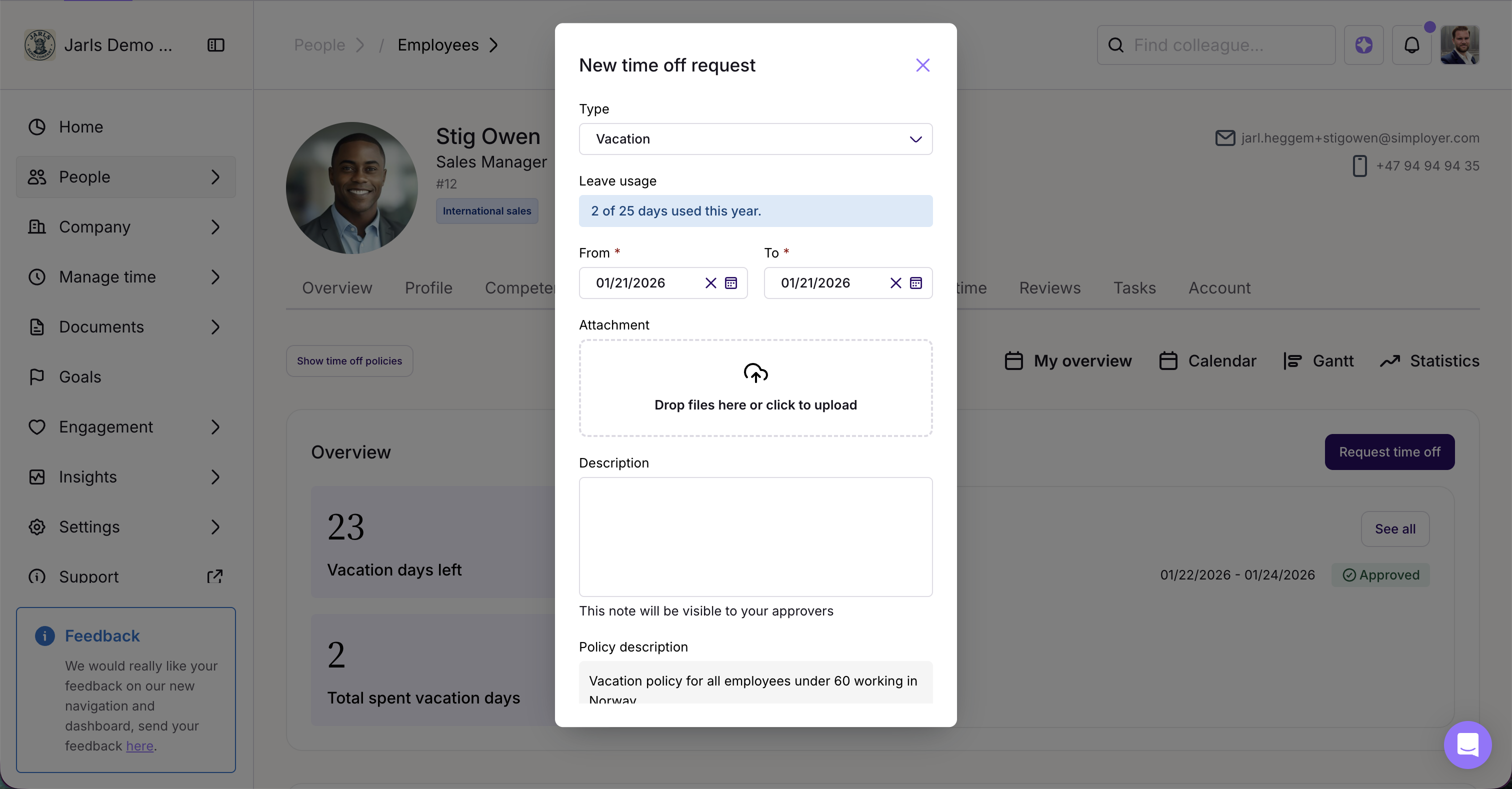
In the "My overview section, click "Register time off"
Alternatively, navigate to the calendar tab, and click on the start date on the leave to register a new leave
Select leave type, dates and other elements depending on the leave type in the dialogue
Was this article helpful?
That’s Great!
Thank you for your feedback
Sorry! We couldn't be helpful
Thank you for your feedback
Feedback sent
We appreciate your effort and will try to fix the article